GPT-Image-2 API: Generate & Edit Images from $0.02 — Cheapest Access Available
GPT-Image-2 API at 50% off OpenAI pricing. Generate images from $0.003, edit with multi-reference & mask inpainting, output PNG/JPEG/WebP up to 4K. Drop-in OpenAI-compatible endpoint.
TL;DR: GPT-Image-2 is live on Smart AIPI today — the same day OpenAI released it. Use model gpt-image-2 on /v1/images/generations or /v1/images/edits. It's 50% cheaper than OpenAI direct, supports multi-reference edits, mask inpainting, JPEG/WebP output, and 4K resolutions. No config change required — any legacy model ID (dall-e, dall-e-3, gpt-image-latest) routes straight to gpt-image-2.
OpenAI just released GPT-Image-2, their new flagship image generation and editing model. We added it to Smart AIPI the same day. Use model ID gpt-image-2 in any /v1/images/generations or /v1/images/edits call — no config changes, no redeployment, same API key.
Below: what actually changed vs gpt-image-1.5, why multi-reference edits + mask inpainting matter for production, the exact pricing, and working code in four languages.
What Makes GPT-Image-2 Different
GPT-Image-2 is the first OpenAI image model that is practical to deploy for serious creative workflows — not just one-off demos. Four concrete capability changes drive this:
- Native 4K resolution. GPT-Image-2 accepts any dimensions up to 3840×2160 (4K landscape) or 2160×3840 (4K portrait), up from gpt-image-1.5's 1536×1024 ceiling. That's a 7.5× jump in maximum output pixels. You can now generate production-ready hero images, print-quality posters, and cinematic stills in a single tool call.
- Free-form resolutions. Previous gpt-image models locked you into three presets (square, landscape, portrait). GPT-Image-2 accepts any WxH where both edges are multiples of 16, max edge ≤ 3840px, total pixels between 655,360 and 8,294,400, and long-to-short edge ratio ≤ 3:1. That covers thousands of aspect ratios — banners, social crops, app icons, book covers, film frames.
- High-fidelity reference processing by default. The old
input_fidelity: "high"flag is now always on. Every reference image you pass is processed at full detail — brand logos stay crisp, product textures survive edits, character faces remain recognizable across turns. There's no quality/speed trade-off to tune. - Faster low-quality drafts.
quality: "low"at 1024×1024 costs $0.003 through Smart AIPI and returns in roughly 20–40 seconds. That's cheap enough to throw away — ideal for prompt exploration and UI previews before committing to a $0.10+ high-quality render.
Pricing: 50% Off OpenAI Direct
OpenAI's direct API pricing for GPT-Image-2 at 1024×1024 is $0.006 low / $0.053 medium / $0.211 high. Non-square sizes (1024×1536, 1536×1024) cost 1.5× the square rate.
Through Smart AIPI, every tier is exactly 50% of OpenAI retail:
| Quality | Resolution | OpenAI direct | Smart AIPI | You save |
|---|---|---|---|---|
| Low | 1024×1024 | $0.006 | $0.003 | 50% |
| Medium | 1024×1024 | $0.053 | $0.0265 | 50% |
| High | 1024×1024 | $0.211 | $0.1055 | 50% |
| Low | 1024×1536 / 1536×1024 | $0.005 | $0.0045 | ~50% |
| Medium | 1024×1536 / 1536×1024 | $0.041 | $0.0398 | ~50% |
| High | 1024×1536 / 1536×1024 | $0.165 | $0.1583 | ~50% |
A typical creative iteration cycle — 10 low-quality drafts at 1024×1024, then one high-quality 1536×1024 final render — costs $0.19 through Smart AIPI versus $0.38 direct from OpenAI. Scale that to a studio producing 100 such cycles per day and you're saving $570 per month for zero effort.
No other provider offers GPT-Image-2 at this discount. OpenRouter passes through OpenAI direct pricing plus a margin. Fal, Replicate, and Vertex don't host OpenAI models at all. Smart AIPI aggregates ChatGPT Business subscription image capacity and passes the savings straight through.
Multi-Reference Edits: Composable Creative Workflows
GPT-Image-2's edit endpoint accepts multiple reference images in a single call. This is the capability that unlocks real creative workflows — product composites, brand-consistent characters across scenes, collage generation.
Smart AIPI supports every way the official OpenAI SDK sends them:
Python SDK (multipart with image[])
from openai import OpenAI
client = OpenAI(base_url="https://api.smartaipi.com/v1")

result = client.images.edit(
    model="gpt-image-2",
    image=[
        open("body-lotion.png", "rb"),
        open("bath-bomb.png",  "rb"),
        open("incense-kit.png","rb"),
        open("soap.png",       "rb"),
    ],
    prompt="Photorealistic gift basket 'Relax & Unwind' with a ribbon, containing the items in the reference images.",
)

with open("gift-basket.png","wb") as f:
    f.write(base64.b64decode(result.data[0].b64_json))
JSON API (array of base64 strings)
curl https://api.smartaipi.com/v1/images/edits \
  -H "Authorization: Bearer YOUR_API_KEY" \
  -H "Content-Type: application/json" \
  -d '{
    "model": "gpt-image-2",
    "prompt": "Gift basket containing all the items from the references",
    "image": ["<base64-png-1>", "<base64-png-2>", "<base64-png-3>"]
  }'
curl multipart (both image[] and repeated image work)
curl https://api.smartaipi.com/v1/images/edits \
  -H "Authorization: Bearer YOUR_API_KEY" \
  -F "model=gpt-image-2" \
  -F "image[]=@body-lotion.png" \
  -F "image[]=@bath-bomb.png" \
  -F "image[]=@incense-kit.png" \
  -F "image[]=@soap.png" \
  -F "prompt=Gift basket with all the referenced items"
Mask Inpainting: Surgical Edits
Pass a mask alongside image to restrict edits to a specific region. White pixels in the mask indicate areas to rewrite; black pixels are preserved unchanged.
curl https://api.smartaipi.com/v1/images/edits \
  -H "Authorization: Bearer YOUR_API_KEY" \
  -F "model=gpt-image-2" \
  -F "image=@sunlit_lounge.png" \
  -F "mask=@mask.png" \
  -F "prompt=Replace the pool with a flamingo float"
Mask format requirements: same pixel dimensions as the primary image, PNG with an alpha channel, ≤ 50MB. If your source mask is RGB without transparency, the OpenAI docs include a 10-line PIL snippet that adds an alpha channel from the grayscale values.
Generate: Basic Request
curl https://api.smartaipi.com/v1/images/generations \
  -H "Authorization: Bearer YOUR_API_KEY" \
  -H "Content-Type: application/json" \
  -d '{
    "model": "gpt-image-2",
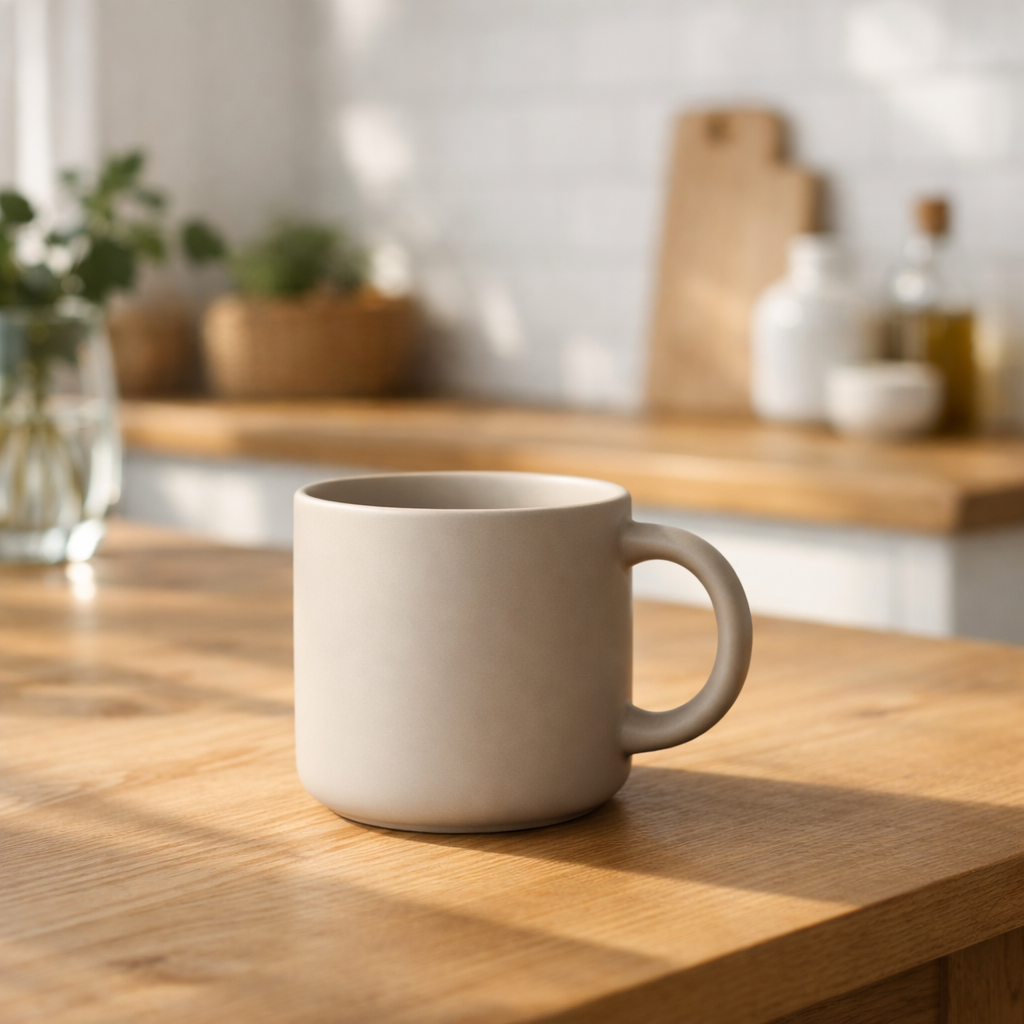
    "prompt": "A photorealistic coffee mug on a weathered oak table",
    "size": "2048x2048",
    "quality": "high"
  }'
The response is a standard OpenAI shape — { "created": ..., "data": [{ "b64_json": "..." }] }. Base64-decode b64_json to get the PNG bytes.
Output Formats: PNG, JPEG, WebP
Use output_format to control the container. JPEG streams back noticeably faster than PNG and is the right default when latency matters more than lossless fidelity. Pair JPEG or WebP with output_compression (0–100) to tune file size.
{
  "model": "gpt-image-2",
  "prompt": "Cinematic landscape, golden hour",
  "size": "3840x2160",
  "quality": "high",
  "output_format": "jpeg",
  "output_compression": 85
}
Supported Parameters (v1/images/generations & v1/images/edits)
model—gpt-image-2(default),gpt-image-1.5,gpt-image-1,gpt-image-1-mini. Legacy aliasesdall-e,dall-e-3,gpt-image,gpt-image-latestall map to gpt-image-2.prompt— required text instruction.n— batch size, 1–10. Smart AIPI loops server-side because the Codex image tool produces one image per call.size—autoor any WxH satisfying gpt-image-2's constraints (multiples of 16, edges ≤ 3840, 655,360 ≤ pixels ≤ 8,294,400, long:short ≤ 3:1).quality—low/medium/high/auto(defaults to medium).output_format—png(default) /jpeg/webp.output_compression— 0–100, jpeg/webp only.background—auto/opaque. Transparent is not supported by gpt-image-2; use gpt-image-1.5 if you need it.moderation—auto(default) /low.image(edits only) — single base64 string or array of base64 strings (JSON) /imageorimage[]multipart file parts.mask(edits only) — single base64 string (JSON) / multipart file. White=edit, black=preserve.
Response Shape
Identical to OpenAI's /v1/images response. One field is optionally added: if the Codex backend emits a revised_prompt, Smart AIPI surfaces it on each image item.
{
  "created": 1777064910,
  "data": [
    {
      "b64_json": "iVBORw0KGgo...",
      "revised_prompt": "A detailed photorealistic coffee mug..."
    }
  ]
}
Get Started
Free credits included. Every new account gets $5 in free credits — enough for roughly 1,650 low-quality drafts, 188 medium renders, or 47 high-quality hero images. Sign up at smartaipi.com/signup.
- Sign up at smartaipi.com/signup (free credits, no credit card)
- Create an API key in the dashboard
- Set your base URL to
https://api.smartaipi.com/v1 - Use model
gpt-image-2
Same OpenAI-compatible API shape, same Python / JavaScript / curl code, same image-generation tools — now with OpenAI's newest flagship image model, at half the price.
OpenAI-compatible API gateway. Access frontier AI models at 75% less cost.
Start for free